
Instalar BulbSync en una M5StickS3
Install BulbSync on an M5StickS3
Conecta la placa por USB y pulsa Instalar. Tarda alrededor de un minuto y no instala nada en el ordenador.
Connect the board over USB and press Install. It takes about a minute and installs nothing on the computer.
Qué ocurre durante la instalación
What happens during the installation
Conectar la placa
Connect the board
Con un cable USB-C de datos. Al pulsar Instalar, el navegador pide elegir el puerto, que suele aparecer como «USB JTAG/serial debug unit».
With a USB-C data cable. After pressing Install, the browser asks which port to use; it usually appears as “USB JTAG/serial debug unit”.
El navegador escribe el firmware
The browser writes the firmware
Borra la placa y escribe el firmware, con su propia barra de progreso. No desconectes el cable: la pantalla parpadea y la placa se reinicia sola al terminar.
It erases the board and writes the firmware, with its own progress bar. Don't unplug the cable: the screen flickers and the board restarts on its own when it finishes.
Continuar en la app
Continue in the app
El Stick muestra su nombre y queda a la espera del móvil. El resto de la configuración se hace por Bluetooth.
The Stick shows its name and waits for the phone. The rest of the setup happens over Bluetooth.
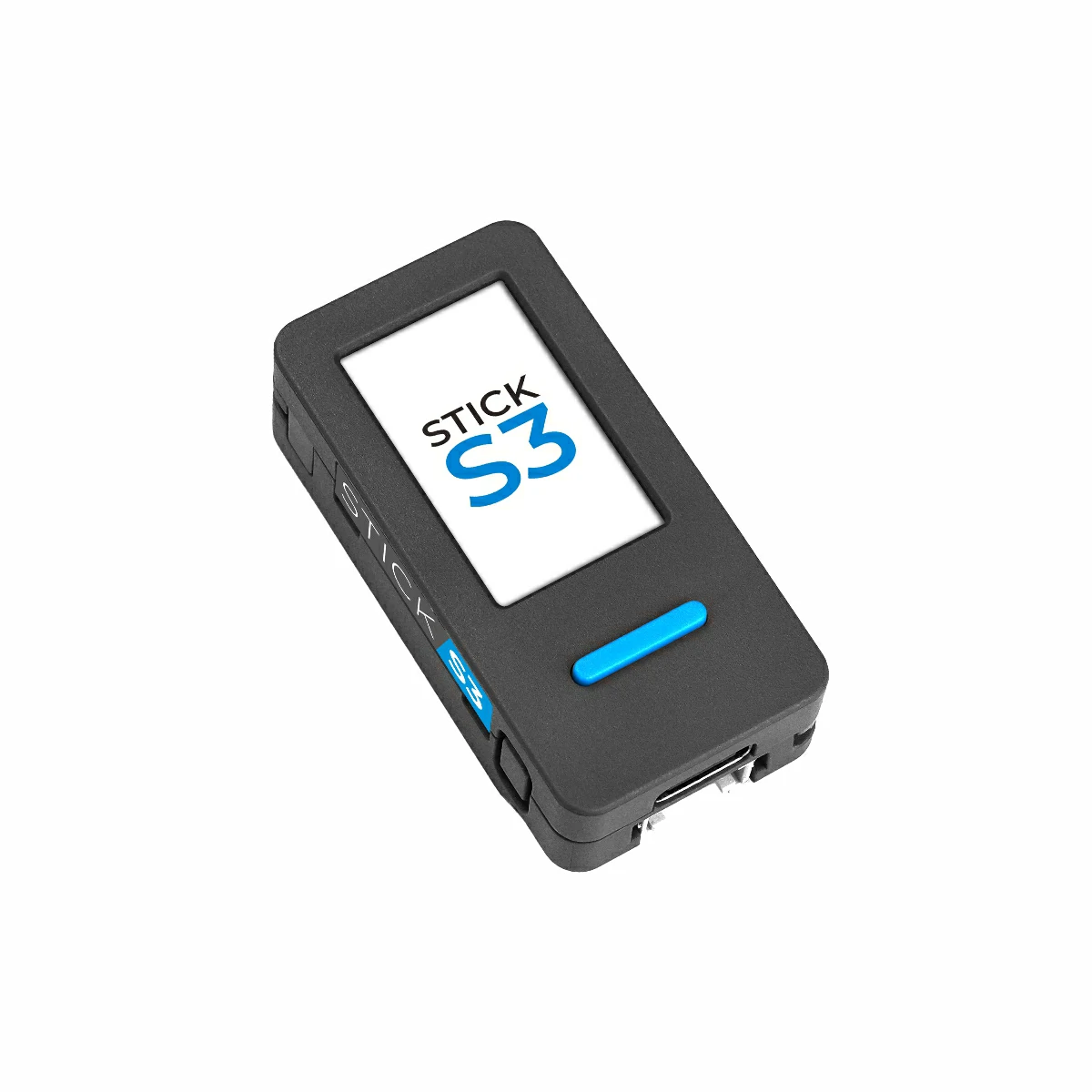
¿Ves esto en la pantalla del Stick?
Do you see this on the Stick's screen?
Al terminar, la placa se reinicia y muestra su nombre, que es el que se busca desde la app.
When it finishes, the board restarts and shows its name, which is what you will look for in the app.
Requisitos
Requirements
Una M5StickS3
An M5StickS3
Modelo K150 de M5Stack. Ningún otro modelo sirve, tampoco las StickC.
M5Stack's K150. No other model works, including the StickC boards.
Un cable de datos
A data cable
Muchos cables USB-C solo cargan. Si el ordenador no ve la placa, ese suele ser el motivo.
Many USB-C cables only charge. If your computer can't see the board, that's usually why.
Chrome o Edge
Chrome or Edge
En un ordenador. Safari, Firefox y los navegadores de iPhone no pueden acceder al USB.
On a computer. Safari, Firefox and iPhone browsers can't access USB.
Problemas frecuentes
Common problems
Ninguno de estos casos deja la placa inutilizable: siempre se puede volver a instalar desde esta página.
None of these leaves the board unusable: it can always be installed again from this page.
El navegador no encuentra la placa The browser can't find the board
La instalación se corta a mitad The installation stops halfway
Instalé y la pantalla sigue en negro I installed it and the screen stays black
Quiero volver al firmware de M5Stack I want M5Stack's firmware back
Más información sobre el Stick y para qué sirve, en su página.
More about the Stick and what it does, on its page.