
Un intervalómetro autónomo junto a la cámara
A self-contained intervalometer beside the camera
BulbSync Stick se coloca junto a la cámara y ejecuta la sesión de principio a fin. La app se usa para configurarla y para consultar su avance cuando el dispositivo vuelve a estar al alcance.
BulbSync Stick sits next to the camera and runs the session from start to finish. The app is where you set it up and where you check progress once you are back in range.
No vendemos hardware: la placa se compra en cualquier tienda y BulbSync aporta el software.
We don't sell hardware: you buy the board anywhere and BulbSync provides the software.
Qué hace cada parte
What each part does
El control del disparo —exposiciones, intervalos, reconexión y recuento de tomas perdidas— se ejecuta en el dispositivo, que se queda junto a la cámara, y no en el teléfono.
Shutter control (exposures, intervals, reconnection and missed-shot accounting) runs on the device, which stays with the camera, not on the phone.
Configuración y seguimiento
Setup and monitoring
Grupos de cámaras, exposición, intervalo y número de tomas. Al reconectar, la app reconstruye el avance a partir del registro del Stick.
Camera groups, exposure, interval and shot count. On reconnect, the app rebuilds progress from the Stick's log.
Ejecución
Execution
Cuenta los tiempos, abre y cierra el obturador y registra cada evento. Sigue aunque el enlace con el móvil se corte.
Keeps time, opens and closes the shutter and logs every event. It keeps going even if the link to the phone drops.
Disparo
Shutter
Sony, Canon y Nikon por Bluetooth, con las mismas secuencias que usa la app.
Sony, Canon and Nikon over Bluetooth, with the same sequences the app uses.
Desliza la línea de tiempo para verla entera.
Swipe the timeline to see it all.
Sesiones largas sin depender del teléfono
Long sessions without depending on the phone
Secuencias de horas, de día o de noche, en las que no conviene quedarse junto a la cámara con el teléfono en la mano.
Sequences that run for hours, day or night, where standing by the camera with your phone is not an option.
Timelapse de varias horas
Multi-hour timelapse
Cientos de tomas a intervalo fijo. El teléfono no tiene que seguir encendido ni cerca de la cámara.
Hundreds of shots at a fixed interval. The phone need not stay awake or near the camera.
Exposiciones largas en bulb
Long bulb exposures
Con filtros ND o trazas de luz, la duración de cada exposición la mide el dispositivo.
With ND filters or light trails, the device times every exposure.
Cámara lejos del fotógrafo
Camera away from you
Fauna, accesos difíciles o astrofotografía: puedes alejarte sin interrumpir la secuencia.
Wildlife, awkward spots or astrophotography: you can walk away without interrupting the sequence.
Diferencias frente a disparar desde el móvil
Differences from shooting straight from the phone
Independencia del móvil
Independent of the phone
La sesión sigue aunque bloquees el teléfono, entres en una llamada o se agote la batería. Al reconectar, la app se pone al día.
The session carries on if you lock the phone, take a call or run out of battery. The app catches up on reconnect.
Enlace corto y estable
Short, stable link
El enlace que importa es el del dispositivo con la cámara, y el dispositivo se queda al lado: en la mochila, en la bolsa del trípode o colgado de una pata.
The link that matters is the device's, and the device stays put: in the bag, in the tripod pouch or hanging off a leg.
Tiempos más precisos
More precise timing
Sin la cola Bluetooth de Android, el ahorro de batería ni los cierres de procesos del fabricante.
No Android Bluetooth queue, battery saver or manufacturer process killing.
Control y avisos en el propio dispositivo
Control and warnings on the device itself
Toma actual, tiempo restante y parada del grupo en su pantalla, sin sacar el móvil. Si una cámara se cae y el móvil no está cerca, avisa con su altavoz.
Current shot, time remaining and group stop on its screen, without taking out your phone. If a camera drops and the phone isn't nearby, it warns with its speaker.
Cualquier batería externa
Any power bank
Para sesiones largas, alimenta el Stick por USB-C. Él se encarga de que la batería no se apague sola por el bajo consumo, sin adaptadores ni modelos especiales.
For long sessions, power the Stick over USB-C. It keeps the power bank from switching itself off over the low draw, with no adapters or special models.
También en iPhone
On iPhone too
iOS no permite ejecutar la secuencia con el teléfono bloqueado. Con el Stick, el iPhone solo planifica. App iOS próximamente
iOS can't run the sequence with the phone locked. With the Stick, the iPhone only plans. iOS app soon
Qué hace cada camino
What each route does
Lo que depende de dónde corre la sesión: en el móvil o en el Stick. Con el Stick, el móvil solo planifica y consulta, y da igual que sea Android o iPhone.
What depends on where the session runs: on the phone or on the Stick. With the Stick the phone only plans and checks in, and Android or iPhone makes no difference.
| Función | Feature | Android | iPhone | Con el Stick | With the Stick |
|---|---|---|---|---|---|
| Planificar la secuenciaPlan the sequenceTomas, pausas y grupos de cámaras.Shots, pauses and camera groups. | SíYes | PrevistoPlanned | SíYesDesde la app; el Stick la recibe por Bluetooth.From the app; the Stick receives it over Bluetooth. | ||
| Ejecutar con el móvil bloqueadoRun with the phone lockedPantalla apagada y la app en segundo plano.Screen off, app in the background. | SíYes | NoiOS no lo permite: primer plano y pantalla encendida.iOS doesn't allow it: foreground, screen on. | SíYes | ||
| Sigue si entra una llamadaCarries on through a call | SíYes | No | SíYes | ||
| Sigue si cierras la app o el móvil se apagaCarries on if you close the app or the phone diesBatería agotada, reinicio o app cerrada.Flat battery, reboot or app closed. | No | No | SíYes | ||
| Alejarte de la cámaraWalk away from the cameraAl coche, a la tienda. La app se pone al día al volver.To the car, to the tent. The app catches up when you're back. | NoEl enlace es móvil↔cámara.The link is phone↔camera. | No | SíYes | ||
| Varias cámaras en grupos independientesSeveral cameras in independent groups | SíYes | PrevistoPlanned | SíYesHasta 3 por Stick.Up to 3 per Stick. | ||
| Reanuda tras un reinicio a mitad de tomaResumes after a reboot mid-shot | No | No | SíYesLa sesión se guarda en la placa.The session is saved on the board. | ||
| Aviso si una cámara se caeWarning when a camera drops | SíYesNotificación del sistema.System notification. | PrevistoPlanned | SíYesAltavoz de la placa y, si hay enlace, la app.The board's speaker and, if linked, the app. | ||
| Resumen e historial de la sesiónSession summary and history | SíYes | PrevistoPlanned | SíYesDel registro del Stick, aunque el móvil no estuviera.From the Stick's log, even if the phone wasn't there. |
Sí en uso, con sesiones realesPrevisto llegará con la app iOSNo no lo hace«Android» e «iPhone» son la app ejecutando la sesión en el móvil; «con el Stick», la sesión corre en la placa y el móvil solo la envía y la consulta.
Yes in use, with real sessionsPlanned coming with the iOS appNo doesn't do it“Android” and “iPhone” are the app running the session on the phone; “with the Stick”, the session runs on the board and the phone only sends and checks it.
Una placa comercial, un solo modelo admitido
An off-the-shelf board, one supported model
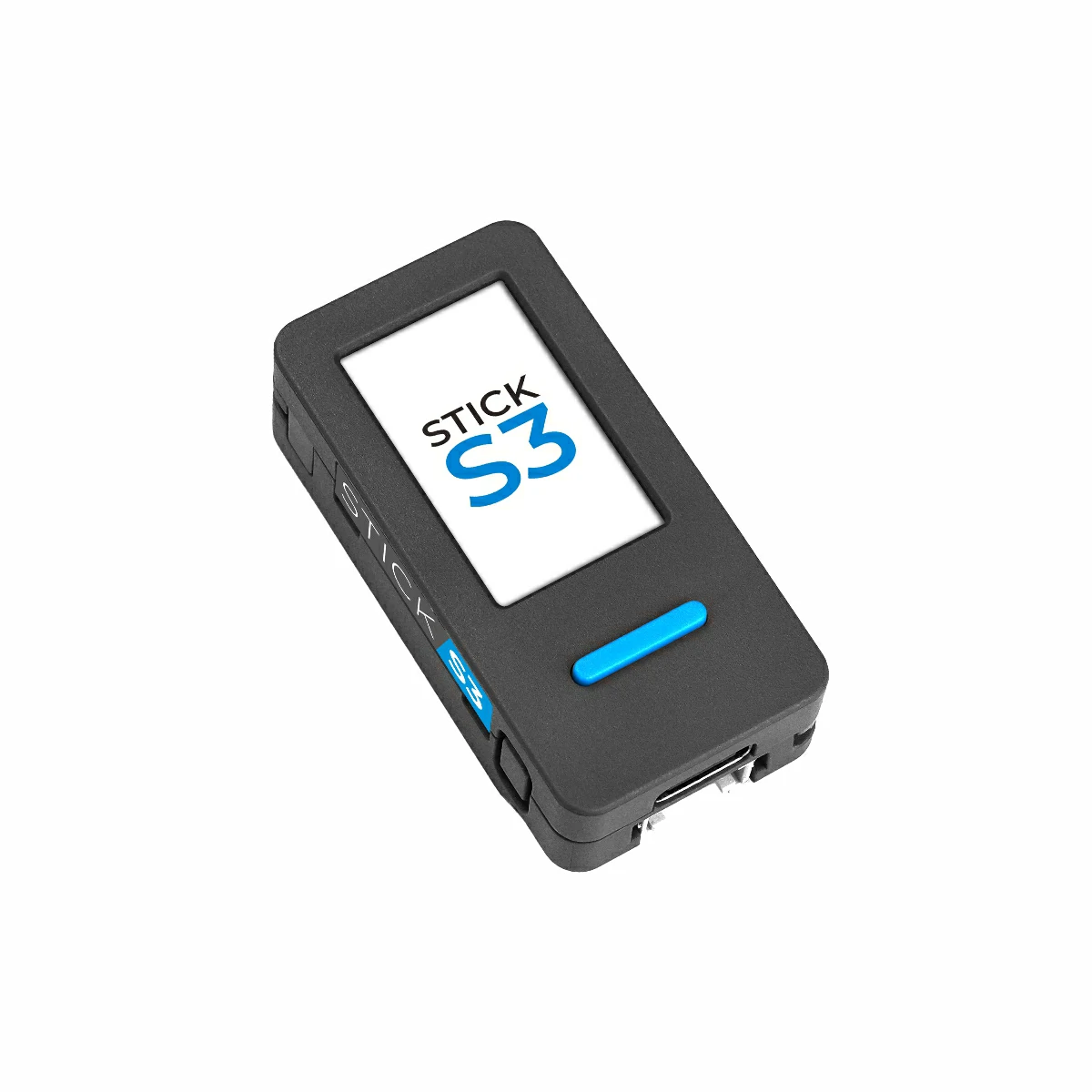
El Stick es una M5Stack M5StickS3 con el firmware de BulbSync. Se compra en cualquier distribuidor.
The Stick is an M5Stack M5StickS3 running BulbSync's firmware. Buy it from any distributor.
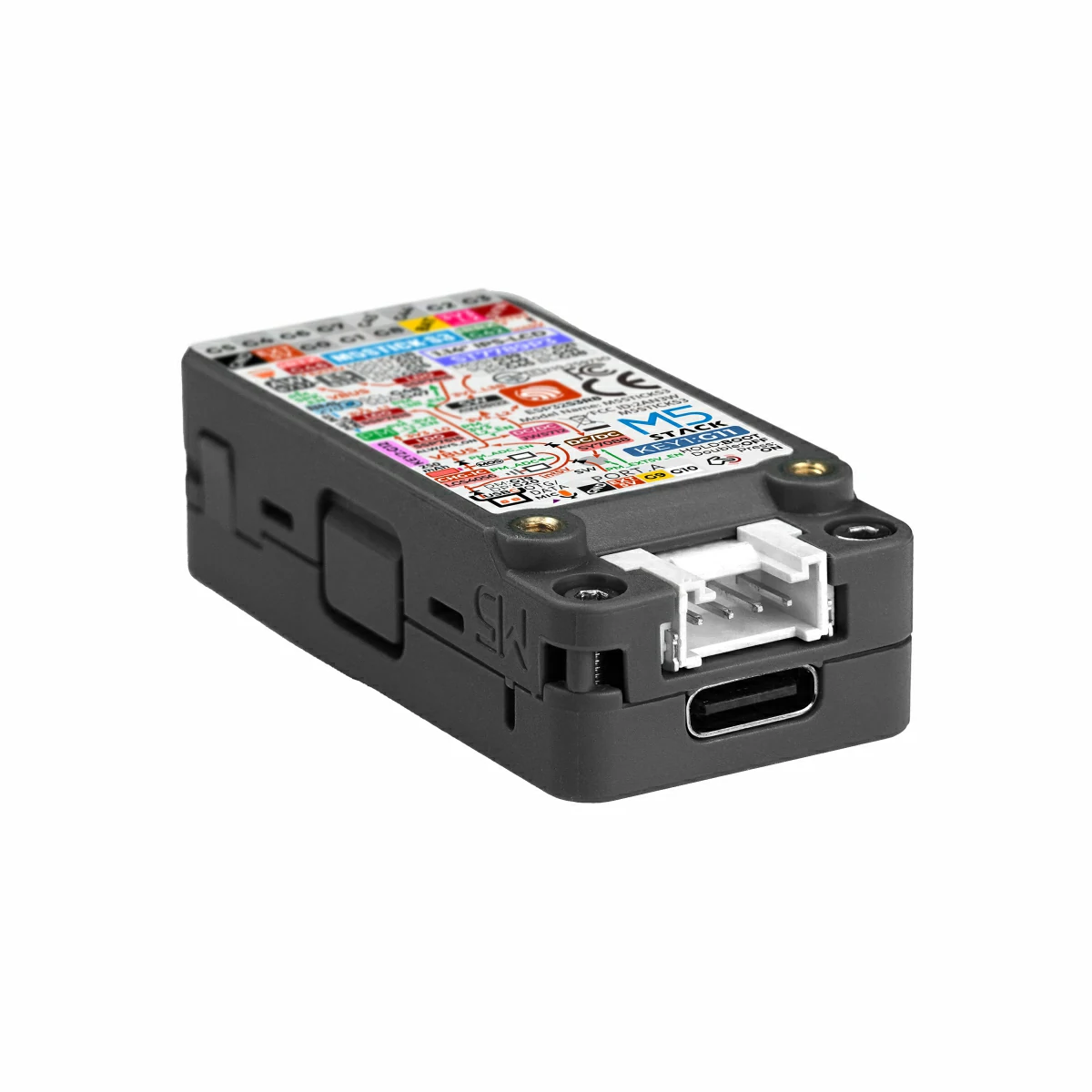
- ProcesadorProcessorESP32-S3 · 8 MB flash · 8 MB PSRAM
- RadioRadioBluetooth LE 5
- PantallaDisplay1,14" · 135×240
- BateríaBattery250 mAh + USB-C
- ControlesControlsDos botones y altavozTwo buttons and speaker
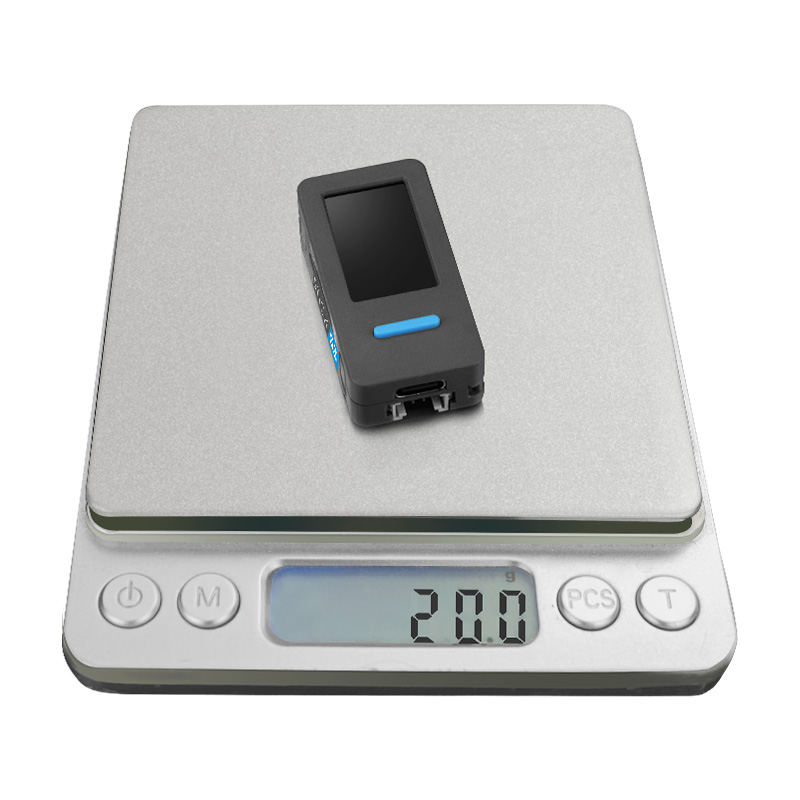
- PesoWeight20 g
Solo se admite este modelo: M5Stack cambia el hardware entre revisiones, y el firmware comprueba al arrancar que está en la placa correcta.
Only this model is supported: M5Stack changes hardware between revisions, and the firmware checks at boot that it's on the right board.
Dónde comprarla: en la tienda oficial de M5Stack, en Amazon o en el distribuidor de electrónica de tu país. Busca «M5StickS3»: sirve cualquier distribuidor, y no ganamos nada con la compra.
Where to buy: from M5Stack's official store, on Amazon or from your local electronics distributor. Search for “M5StickS3”: any distributor works, and we earn nothing from your purchase.
Cómo se pone en marcha
How it is set up
Compra la placa
Buy the board
M5Stack M5StickS3 y un cable USB-C de datos.
M5Stack M5StickS3 and a USB-C data cable.
Instala desde el navegador
Install from the browser
Chrome o Edge en un ordenador, un clic, sin instalar nada. Ir al instalador.
Chrome or Edge on a computer, one click, nothing to install. Go to the installer.
Da de alta el Stick en la app
Add the Stick in the app
Ajustes → Usar BulbSync Stick → Añadir Stick, y teclea el código que muestra su pantalla.
Settings → Use BulbSync Stick → Add Stick, then type the code shown on its screen.
Actualiza el firmware
Update the firmware
La app envía el firmware completo por Bluetooth y lo confirma al reiniciar. Si algo falla, el Stick vuelve solo a la versión anterior.
The app sends the full firmware over Bluetooth and confirms it after the restart. If anything fails, the Stick reverts on its own.
Añade cámaras al Stick
Add cameras to the Stick
El Stick busca y tú eliges. La cámara lo verá como BulbSync-XXXX.
The Stick scans and you choose. The camera will see it as BulbSync-XXXX.
Planifica la sesión y vete
Plan the session and leave
Un grupo con las cámaras del Stick, la secuencia de siempre y el disparo de prueba.
A group with the Stick's cameras, the usual sequence and the test shot.
Los dos botones del dispositivo
The device's two buttons
Con la pantalla apagada, la primera pulsación solo la enciende. Lo irreversible exige pulsación larga y confirmación con el otro botón.
With the screen off, the first press only wakes it. Anything irreversible needs a long press and confirmation with the other button.
| Botón | Button | Pulsación | Press | Acción | Action |
|---|---|---|---|---|---|
| FrontalFront | Toque | Tap | Enciende la pantalla; si ya está encendida, pasa de página | Wakes the screen; if it's already on, moves to the next page | |
| LateralSide | Larga (3 s) | Long (3 s) | «¿Parar este grupo?»; el frontal confirma | “Stop this group?”; the front button confirms | |
| Los dosBoth | 3 s | 3 s | Modo emparejamiento durante 2 min, con el código en pantalla | Pairing mode for 2 min, with the code on screen | |
| Los dosBoth | 10 s | 10 s | Borra los vínculos con móviles y cámaras, con confirmación | Clears pairings with phones and cameras, with confirmation | |
| CualquieraEither | Con el aviso sonando | While the alert sounds | Lo silencia y muestra el motivo | Silences it and shows the reason |
Recuperación ante problemas
Recovering from problems
No aparece en la app
It doesn't show in the app
Su pantalla debe mostrar BulbSync-XXXX. Si ya está vinculado a otro móvil, mantén los dos botones 3 s para abrir el emparejamiento.
Its screen must show BulbSync-XXXX. If it's already paired to another phone, hold both buttons for 3 s to open pairing.
Una actualización se corta
An update is interrupted
El Stick descarta lo recibido y sigue con su firmware anterior. Si llega a arrancar una versión sin confirmar, vuelve sola en 5 minutos.
The Stick discards what it received and keeps its previous firmware. If an unconfirmed version does boot, it reverts on its own within 5 minutes.
No arranca
It doesn't boot
Vuelve al instalador web, instala de nuevo y repite el alta en la app.
Go back to the web installer, install again and add it in the app once more.